Installation
1. Preparation
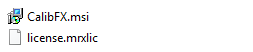
After purchasing CalibFX, you should have been sent two files:
- An installer: CalibFX.msi
- A license generation file: license.ezllic
2. Installation
2.1 Install software
Run CalibFX.msi
Warning
Windows may tell you that the file is not safe.
Press More Infos, Run Anyways, and proceed with the installation.
This window should open up:
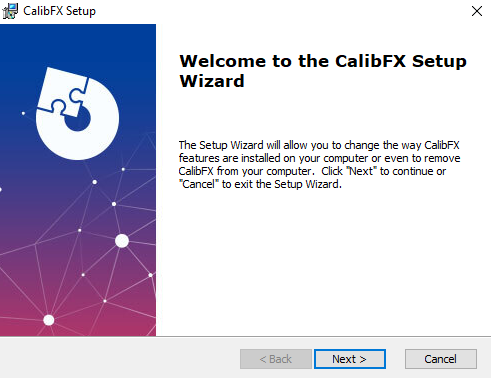
This is a standard installation wizard, follow the instructions until the end.
2.2 Install license
At first startup you will be prompted with a window asking you to update your license:
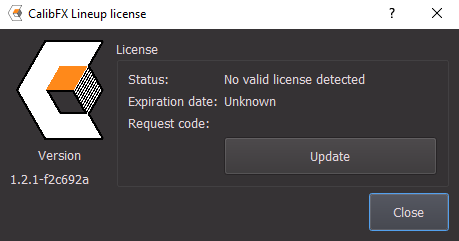
Press the Update button and navigate to your .mrxlic license generation file.
Warning
The license generation file is only valid for a week. Make sure you activate your actual license on a computer before it expires. In case there is an issue, contact the support by email.